September 08, 2026
Akumina AI Configuration for Content Safety
Akumina AI Configuration for Content Safety
KMWorld Webinar: Oct 15th, 2:00pm ET. Beyond Search: Connecting Employees to Answers and Action (REGISTER)



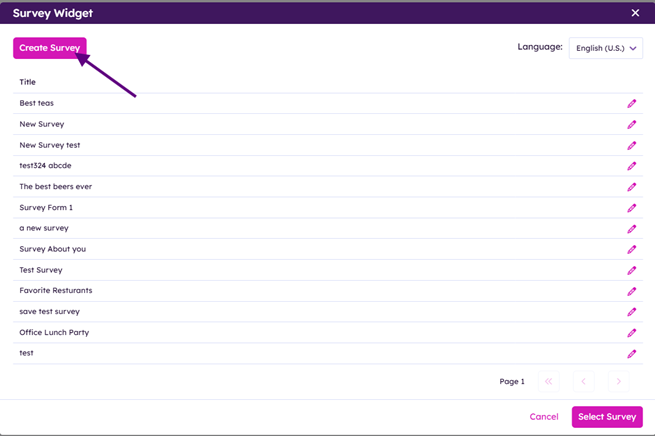
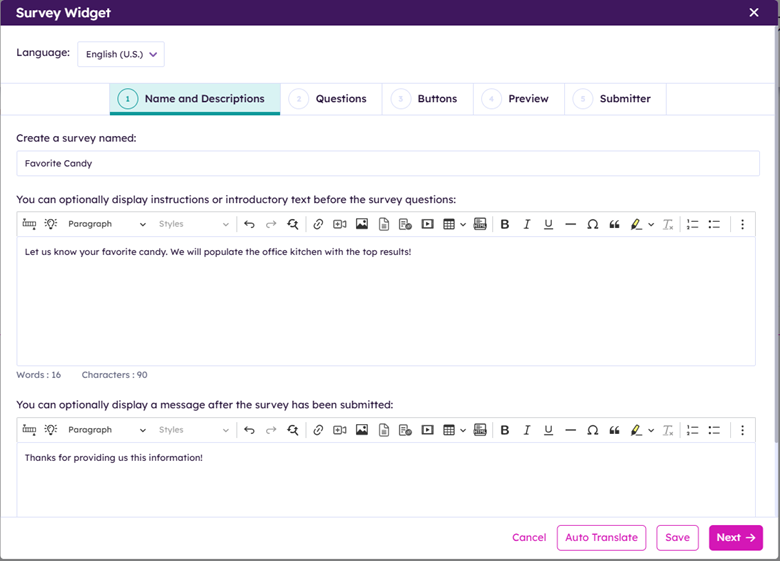
Fill in the survey name.
Provide an optional instructions or introductory text before the survey begins
Add an optional display message after the survey has been submitted
Click “Auto Translate” button if your form is multi-lingual
Click Next
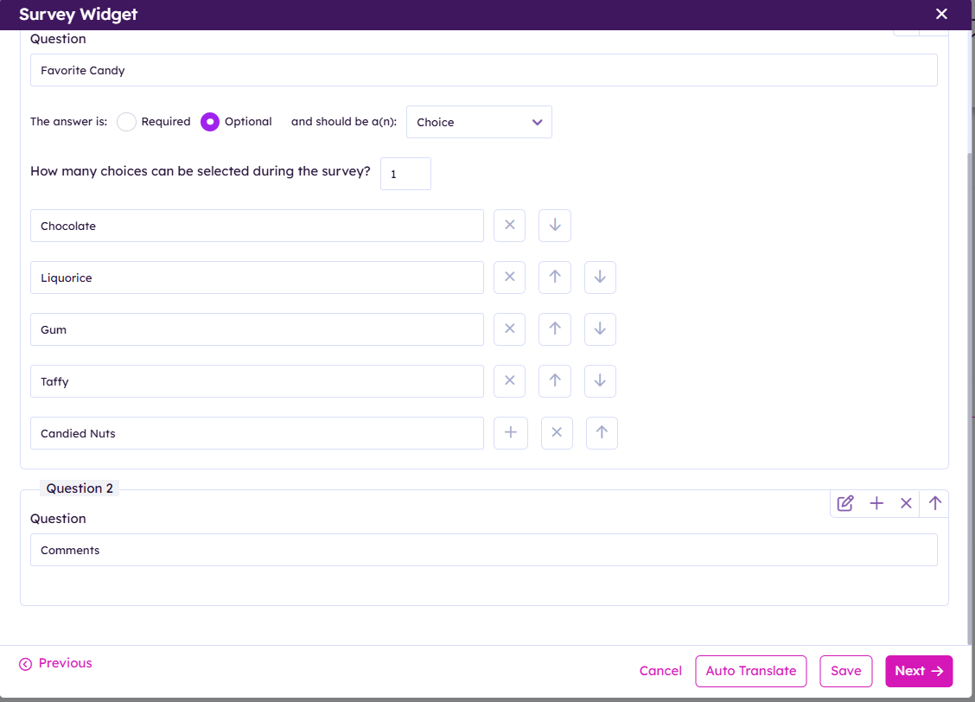
Add in question(s)


 Adds a Question
 Edits a Question
 Removes a Question

 Change Question order up or down
Questions supported:
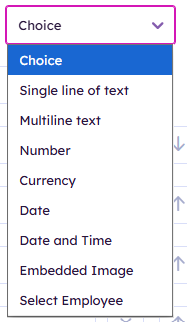
Choice
Single line of text
Multiline text
Number
Currency
Date
Date and Time
Embedded Image
Select Employee
Click “Auto Translate” if survey is multi-lingual
Click Next
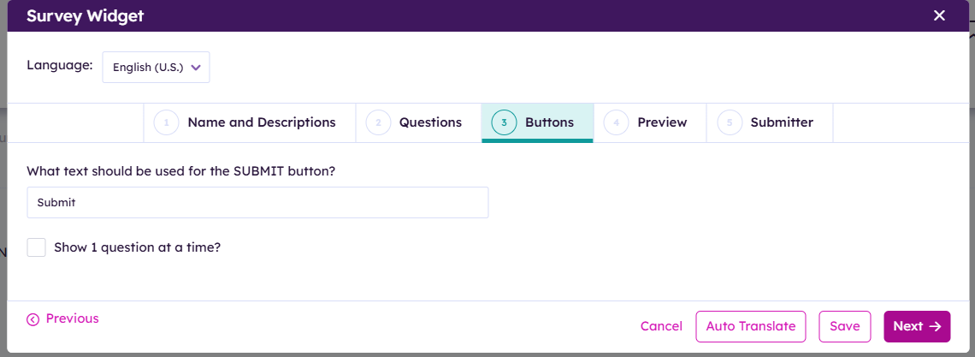
Provide the submit button text
Decide if the survey should show 1 question at a time to user.
Click “Auto Translate” if survey is multi-lingual
Click “Next”
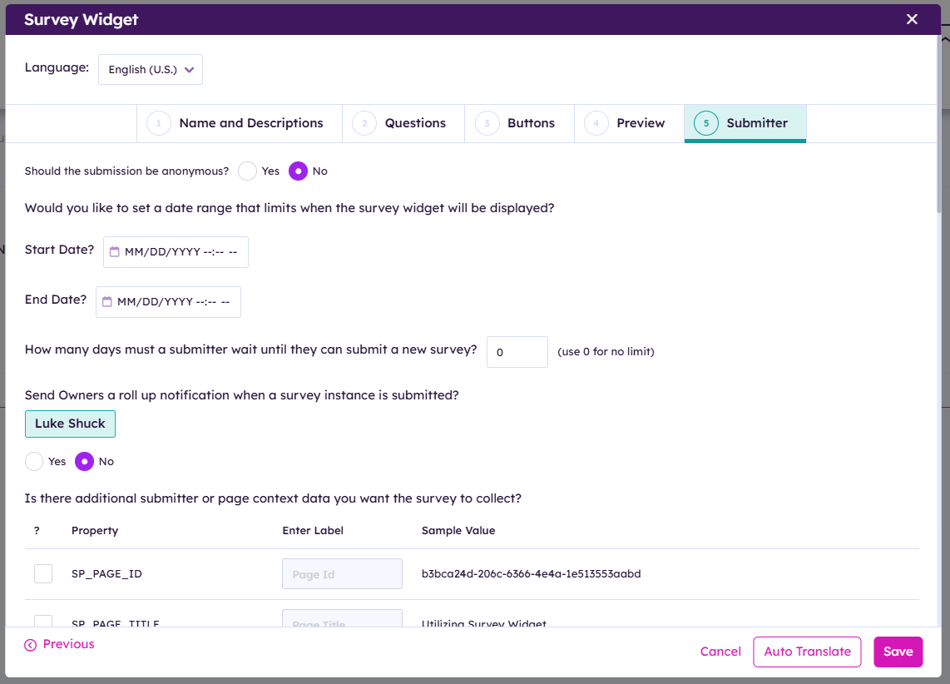
Decide if the submissions will be anonymous or not. ** This affects what submitter context data is available to collect.
Decide if the survey should send the the owner a roll up notification when a survey is submitted.
Select any submitter or page context data you want to collect.
Click “Auto Translate” if survey is multi-lingual
Click “Save” to finish
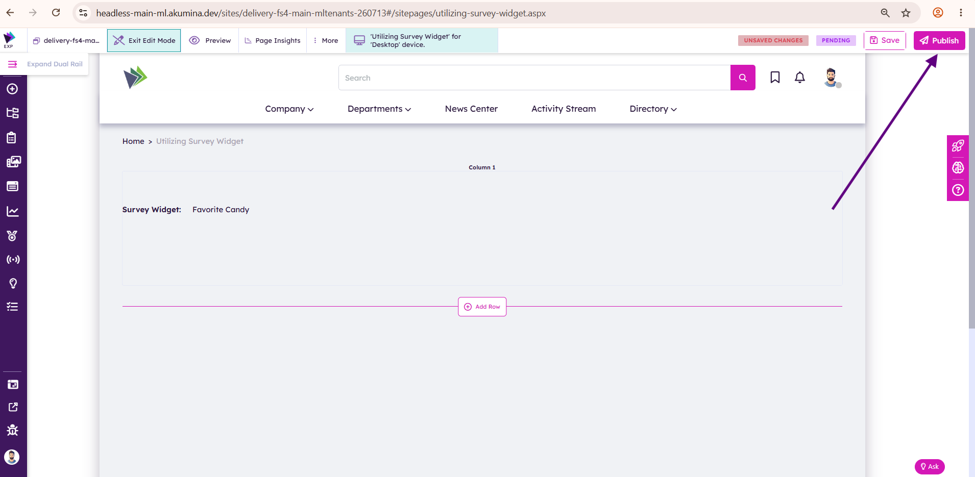
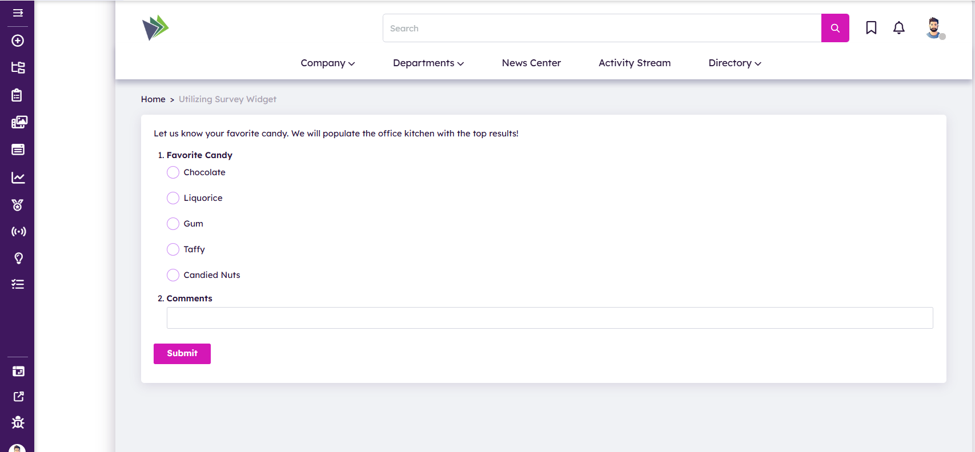
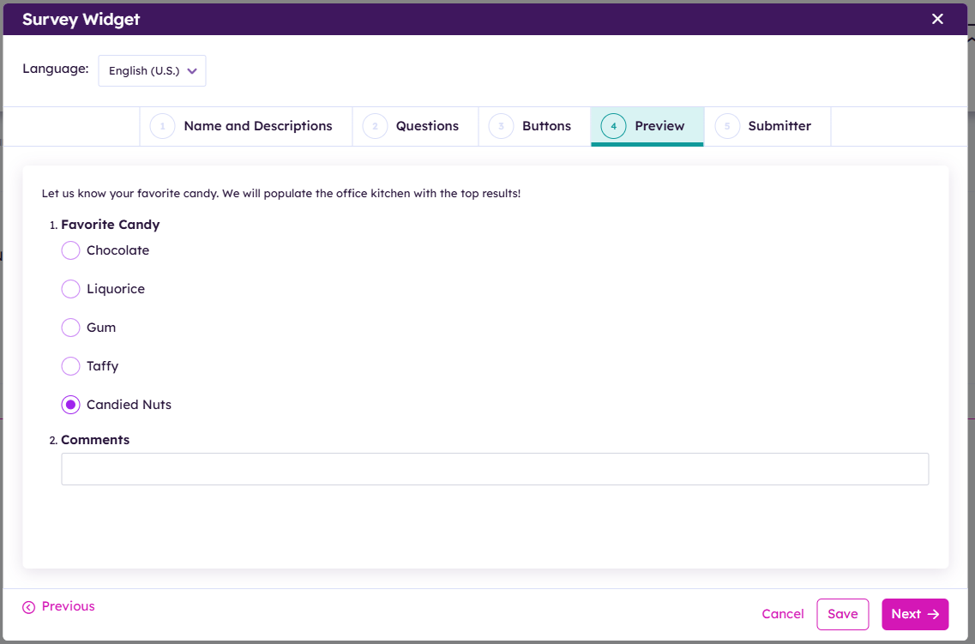
See the survey